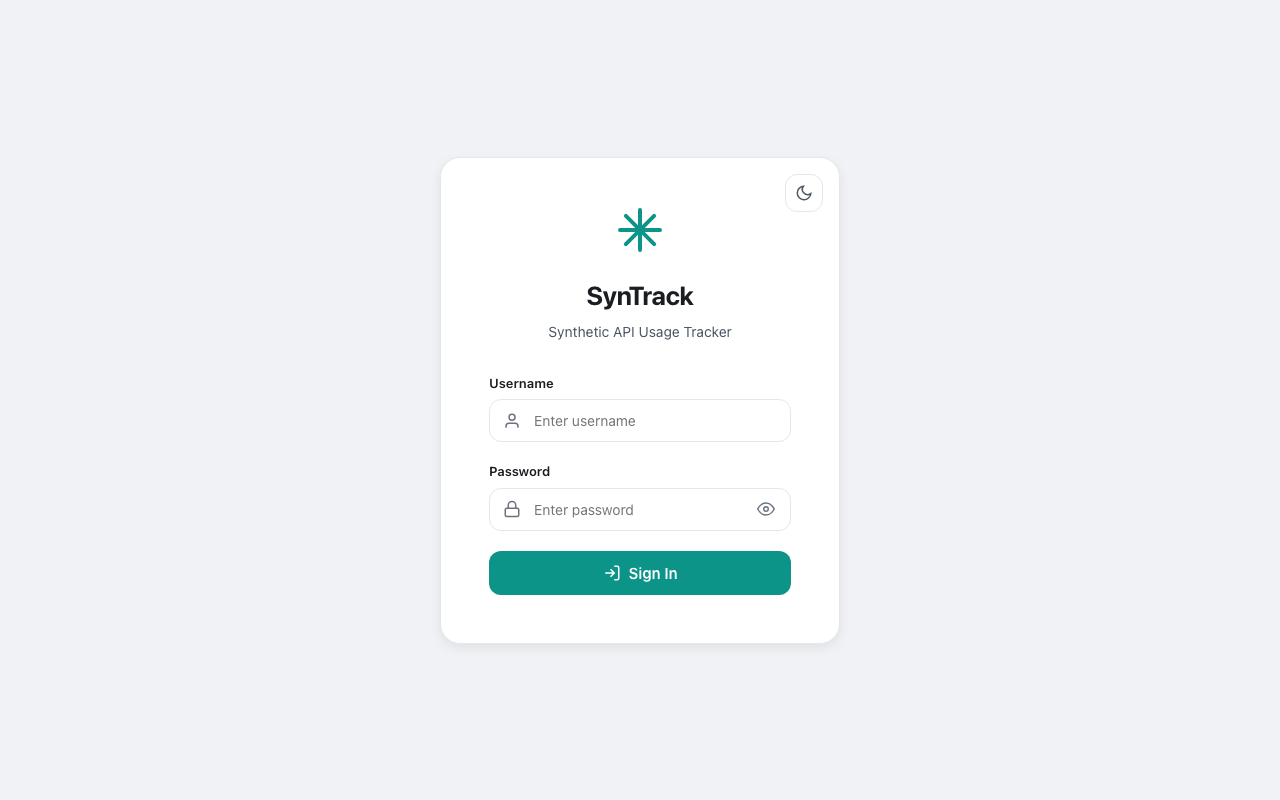
Open-source background agent that tracks your Synthetic and Z.ai API quota usage across every reset cycle. Historical trends, rate projections, per-session tracking, and a Material Design 3 dashboard. Single binary, ~25 MB RAM, zero telemetry. Works with Cline, Roo Code, Kilo Code, Claude Code, and any tool using Synthetic or Z.ai API keys.
$ curl -fsSL https://raw.githubusercontent.com/onllm-dev/syntrack/main/install.sh | bash
Copy
Supported Providers
SynTrack fills the gap between "current usage snapshot" and the historical, per-cycle, cross-session intelligence developers actually need.
Chart.js time-series with 1h, 6h, 24h, 7d, and 30d ranges. See patterns your provider's dashboard never shows.
Automatically detects when quotas reset by tracking renewsAt changes. Per-cycle peak, total delta, and average rate.
Real-time countdown to each quota reset. Color-coded status badges — healthy, warning, danger, critical.
Current consumption rate extrapolated to reset time. Know if you'll hit the limit before it resets.
Every agent run logs peak consumption. Compare usage across coding sessions — "this session used 342 requests."
Provider-specific stats: cycle utilization, billing period usage, weekly pace, tool call share, tokens-per-call efficiency.
A background agent polls your API quotas, stores snapshots in SQLite, and serves a dashboard. That's it.
Choose the method that works best for you. Supports macOS (ARM64, AMD64) and Linux (AMD64, ARM64).
Auto-detects your OS and architecture, downloads the binary to ~/.syntrack/, creates .env config, sets up a systemd service (Linux) or self-daemonizes (macOS), adds to PATH, and starts tracking.
Download the binary for your platform from GitHub Releases, configure your .env, and run directly.
Want to build from source? See DEVELOPMENT.md
API providers show current usage. SynTrack shows everything else.
| Capability | Synthetic | Z.ai | SynTrack |
|---|---|---|---|
| Current quota usage | ✓ | ✓ | ✓ |
| Reset time visibility | ✓ | ✕ | ✓ |
| Historical usage trends | ✕ | ✓ | ✓ |
| Reset cycle detection & history | ✕ | ✕ | ✓ |
| Per-cycle consumption stats | ✕ | ✕ | ✓ |
| Usage rate & projections | ✕ | ✕ | ✓ |
| Per-session tracking | ✕ | ✕ | ✓ |
| Multi-provider unified view | ✕ | ✕ | ✓ |
| Live countdown timers | ✕ | ✕ | ✓ |
| Open source & self-hosted | ✕ | ✕ | ✓ |
Whether you're a solo developer tracking your $20/month Synthetic budget or a team lead managing shared API keys, SynTrack gives you the data your provider doesn't.
Using Cline, Roo Code, or Kilo Code with a Synthetic or Z.ai API key? SynTrack tracks your quota burn rate so you never get throttled mid-task. Know exactly where your AI coding budget goes.
Sharing API keys across a team? SynTrack provides a shared dashboard with historical trends, session tracking, and rate projections. Budget with data, not guesses. Present usage reports in sprint reviews.
Deploy SynTrack as a lightweight sidecar (~25 MB) with no SaaS dependency. Use the SQLite database as a Grafana data source or the REST API endpoints to feed your existing monitoring stack.
You chose Synthetic because it never trains on your data. SynTrack has the same philosophy: single binary, local SQLite, zero telemetry. Works in air-gapped and regulated environments.
Track per-session API consumption for grant reports and paper methodology sections. Compare Synthetic vs Z.ai efficiency. Z.ai's $3/month plan is popular with students and researchers.
At $20-$60/month on Synthetic or $3-$15/month on Z.ai, every request matters. SynTrack shows if you're underutilizing your plan, burning through quota too fast, or need to upgrade.
Install SynTrack with one command: curl -fsSL https://raw.githubusercontent.com/onllm-dev/syntrack/main/install.sh | bash. Set your SYNTHETIC_API_KEY in the .env file and run ./syntrack. SynTrack polls the Synthetic /v2/quotas endpoint every 60 seconds (configurable), stores historical data in SQLite, and serves a dashboard at localhost:9211 showing subscription, search, and tool call quotas with live countdowns and rate projections.
Set your ZAI_API_KEY in the .env file. SynTrack polls the Z.ai /monitor/usage/quota/limit endpoint and tracks token limits, time limits, and tool call quotas. Both Synthetic and Z.ai can run simultaneously with a unified "Both" view on the dashboard.
Yes. SynTrack monitors the API provider (Synthetic or Z.ai), not the coding tool. Any tool that uses a Synthetic or Z.ai API key—including Cline, Roo Code, Kilo Code, Claude Code, Cursor, Windsurf, and others—will have its usage tracked automatically.
Yes. Quotio is macOS-only (requires macOS 15.0+) and tracks Claude, Gemini, and OpenAI. SynTrack runs on macOS, Linux, and Windows, and tracks Synthetic and Z.ai specifically. SynTrack also provides historical usage trends, reset cycle detection, per-session tracking, and a web-based dashboard that Quotio does not offer.
Helicone ($25/mo+) and Langfuse (Docker/SaaS) are LLM observability platforms designed for custom AI pipelines with per-token cost tracking. SynTrack is a single 25 MB binary focused on tracking flat-rate AI coding API subscriptions. No SaaS accounts, no Docker, no proxy setup—just download and run.
No. SynTrack has zero telemetry. All usage data is stored locally in a SQLite file on your machine. The only outbound network calls are to the Synthetic and Z.ai quota APIs you configure. No analytics, no tracking, no cloud. The source code is fully auditable on GitHub (GPL-3.0).
SynTrack idles at ~25-30 MB RAM and peaks at ~50 MB during dashboard rendering. Breakdown: Go runtime (5 MB), SQLite in-process (2 MB), HTTP server (1 MB), polling buffer (1 MB). This is lighter than a single browser tab and designed to run as a background daemon indefinitely.
Pre-built binaries are available for macOS (ARM64 and AMD64), Linux (AMD64 and ARM64), and Windows (AMD64). SynTrack is written in pure Go with no CGO dependencies, so it cross-compiles cleanly to any Go-supported platform.
SynTrack is free, open source, and takes under a minute to set up. No accounts, no cloud, no telemetry sent anywhere. Your data stays on your machine.